Experience & working examples

See the work behind the offer.

Explore property operations experience, a working real estate website, and GoHighLevel automation builds. Each example shows a different part of the work, with scope shaped around the business behind it.

Case Alpha US LTR · 100+ units

US long-term property management portfolio

15+ hrs Operator time reclaimed
100+ Units centralized

Fragmented tenant intake, maintenance dispatch, and owner communication created severe bottlenecks. AppFolio workflows, admin queues, and resilient triage guides replaced reactive operations.

Enterprise-grade communication systems learned from AT&T and T-Mobile operations reduced founder intervention.
Case Beta UK STR · 46 units

UK short-term rental portfolio

Resolution II Escalation expertise
Turnover Vendor control

Guest messaging delays, damage claims, AirCover payouts, and cleaner scheduling friction needed a stronger operating rhythm. Airbnb resolution expertise and turnover coordination stabilized the flow.

Direct Airbnb Resolution II experience supported claims, guest mediation, payouts, and multi-property turnover.
See The Property Management Workflow
  • Capture requests. Bring tenant intake, maintenance issues, and owner communications into a clear queue.
  • Prioritize and assign. Use AppFolio workflows and triage guides to identify what needs attention and who owns the next step.
  • Follow through. Track dispatch and owner updates in the admin queue. Use property management automation where repeatable steps can be routed consistently.

Explore property operations support

100+ LTR units
46 STR units
3 yrs Resolution II
4x Airbnb Superhost
CRM & workflow automation

From first inquiry to the next action.

GoHighLevel workflows for intake, routing, follow-up, and booking handoffs. The build starts with what your business needs, whether you manage properties, invest, sell real estate, own a portfolio, or run a PropTech team.

GoHighLevel build examples

What I can build around your process

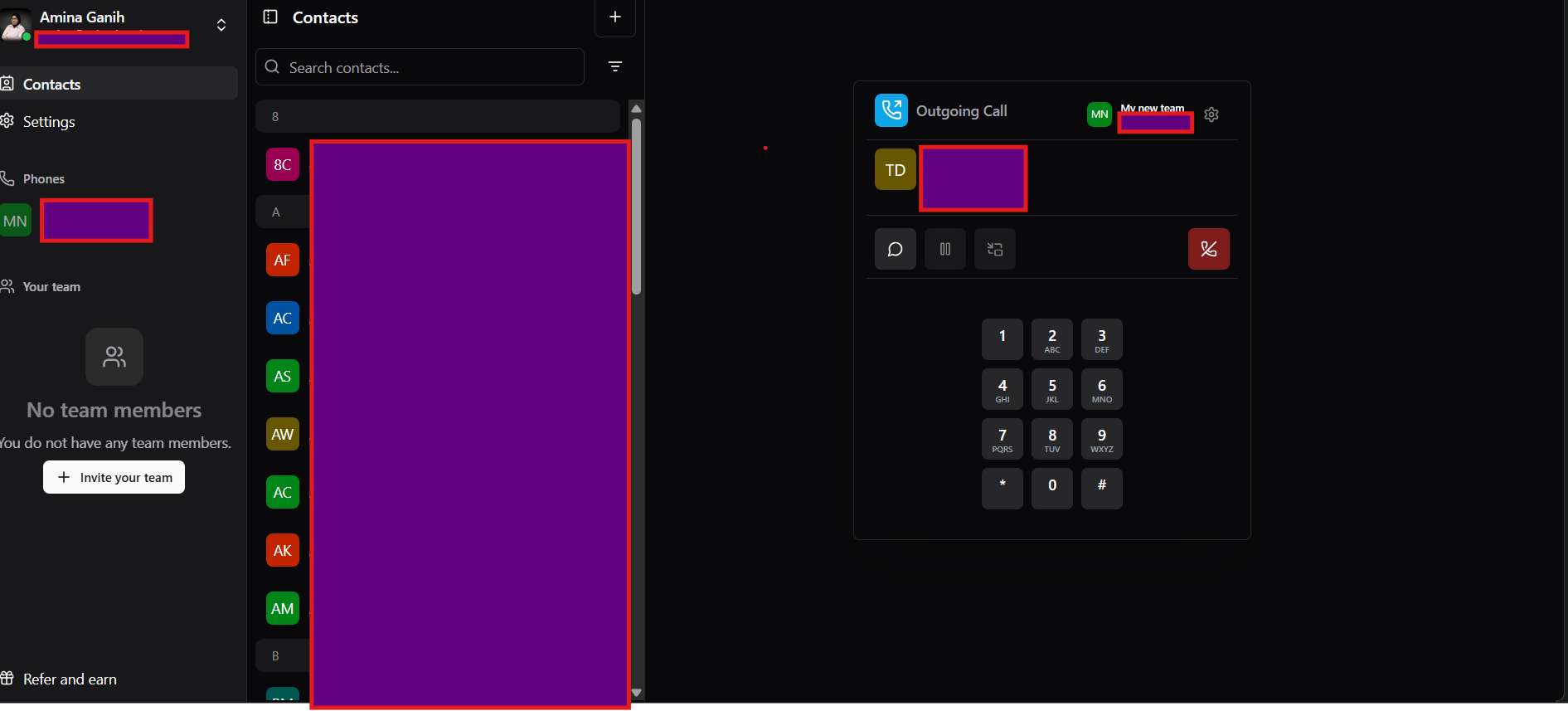
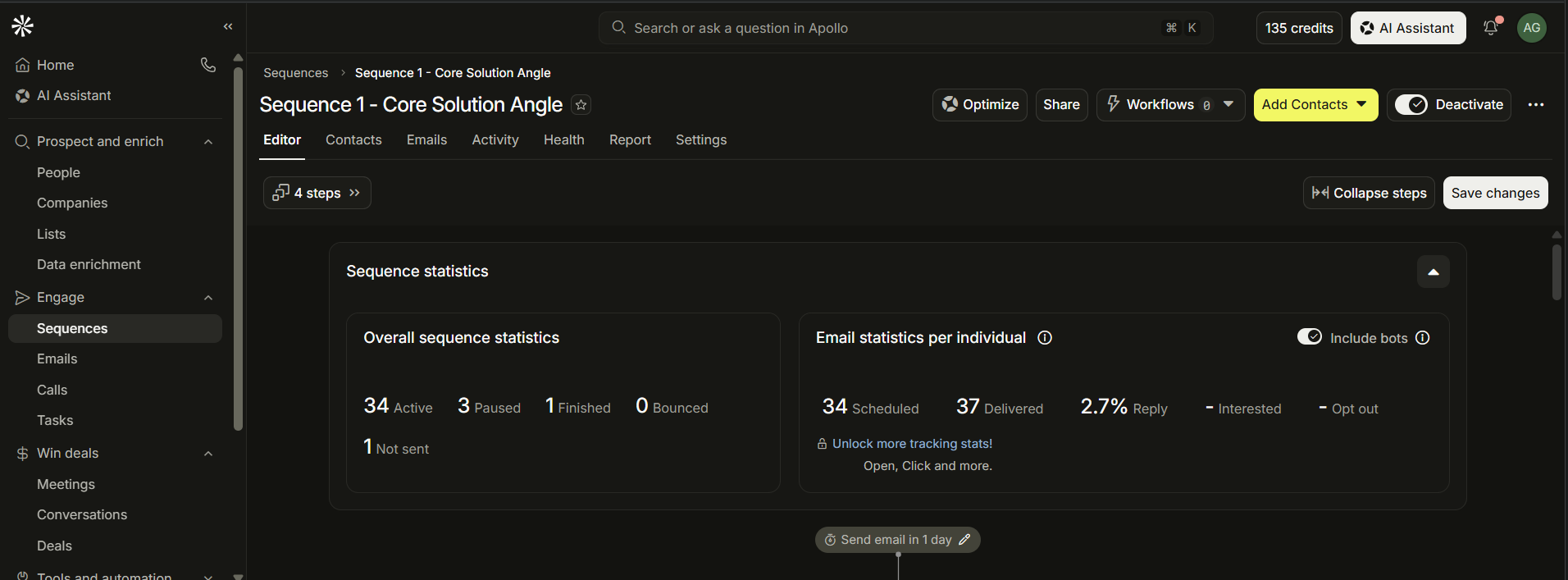
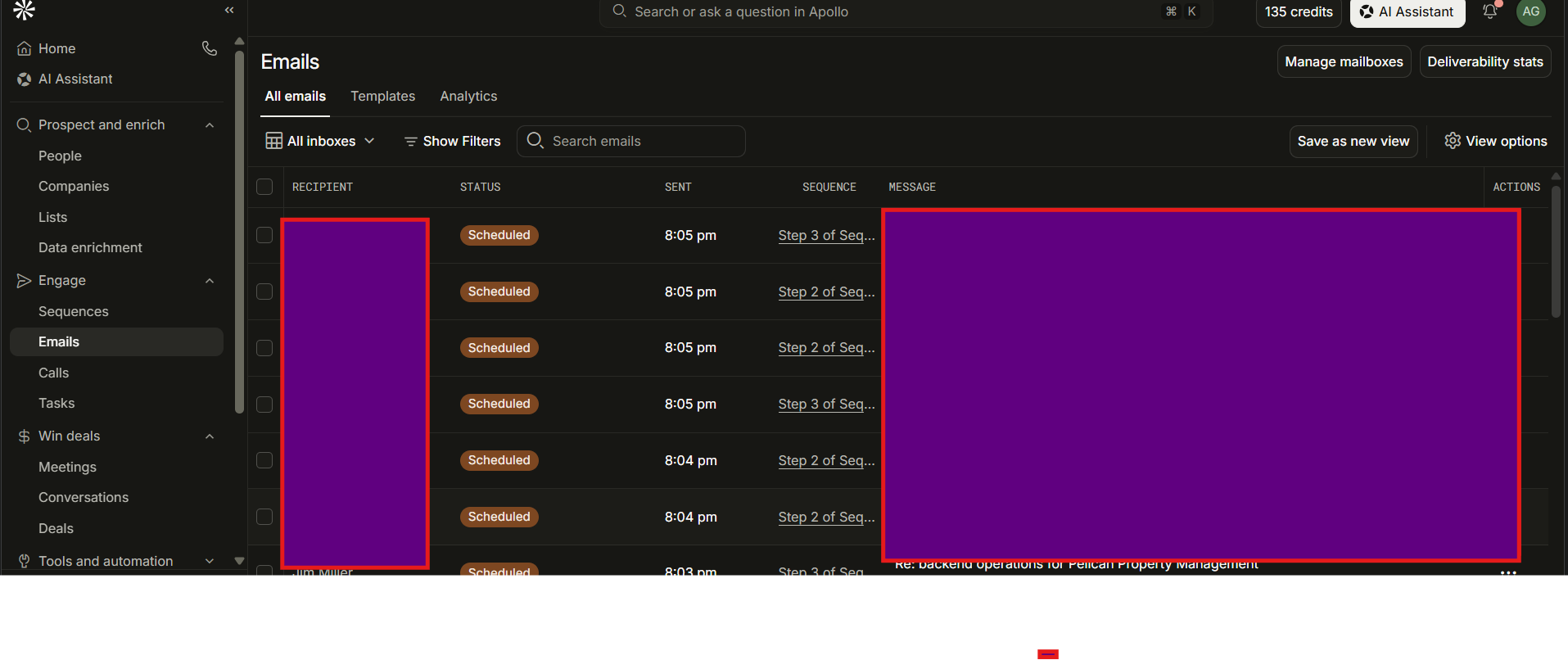
The screenshots show seller and investor workflows from a development workspace. The same building blocks can be adapted to your contacts, stages, team responsibilities, and service journey.

  • Intake & contact structureBring form and channel inquiries into a defined CRM process with the fields and tags you need.
  • Ownership & routingAssign unowned contacts, preserve existing ownership, and route records by interest or request type.
  • Follow-up sequencesConnect tasks, wait steps, and supported messages around your timing and contact preferences.
  • Response handlingPause or stop follow-up when someone replies, books, opts out, or changes stage.
  • Pipeline & appointment handoffsTurn new opportunities, bookings, and appointment outcomes into clear review tasks.
  • Checks & handoverAgree the test scenarios, exception paths, and handover notes needed for your scoped build.
See How The Workflow Works

This GoHighLevel demo shows how real estate automation can turn an inquiry into an assigned next step.

  • Capture the inquiry. A website form or Facebook lead starts the workflow. The intake checks help route the inquiry based on the information provided.
  • Assign an owner. The workflow checks whether the contact already has an owner before assigning an unassigned lead. A real estate CRM setup can use this step to keep responsibility clear.
  • Follow up when eligible. Real estate lead follow-up automation checks eligibility before sending messages. Reply and stop rules determine when the sequence ends.
  • Hand off the booking. Booking and appointment outcomes determine the next action. The assigned person can then take over the conversation.

The same workflow automation pattern can support realtor inquiries, investor deal intake, owner requests, property management automation, or PropTech onboarding. The routing rules depend on who needs to act next.

Read the real estate automation guide · Explore CRM and automation services

Have a different workflow in mind? I can scope the triggers, rules, and handoffs around your tools and priorities.

Discuss your automation
Digital experience

A website that makes the first impression count.

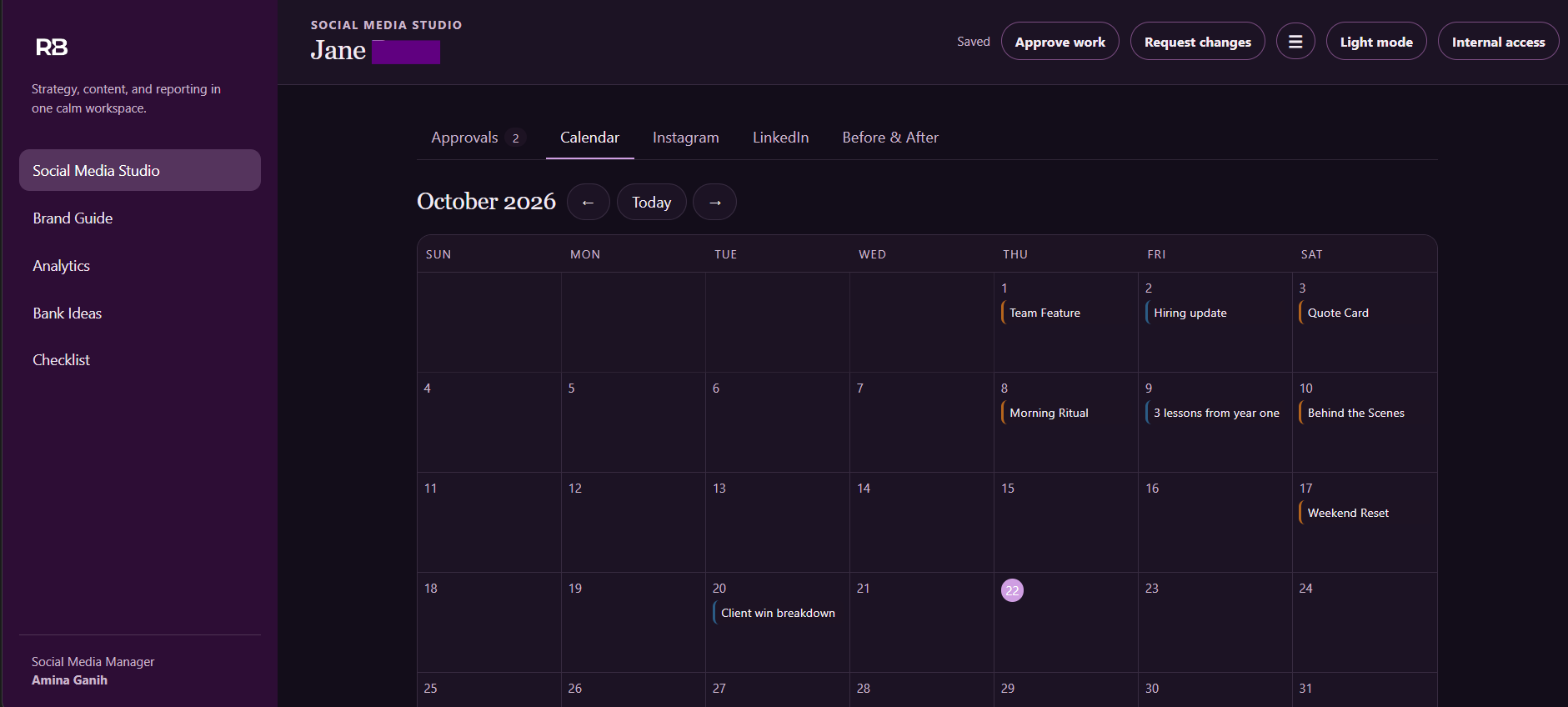
Explore a live real estate website example. Browse the pages, move through the property collection, and try the interactive details right here.

Designed to feel considered from the first scroll to the final inquiry.

Live website preview

Jane Realty

Included with the website

Designed, built, and ready to launch.

  • 01
    Custom branded design

    A visual direction shaped around your business, audience, and services.

  • 02
    Responsive page layouts

    Clear, usable pages for desktop, tablet, and mobile visitors.

  • 03
    Property listings & content admin

    Organized home listings, agent details, and editable site content.

  • 04
    Backend database

    Structured storage for properties, agents, website content, and inquiries.

  • 05
    Lead capture pathways

    Contact and property inquiry forms connected to the website backend.

  • 06
    Website hosting & deployment

    Hosting setup, domain connection, and launch handoff.

See The Jane Realty Website Workflow
  • Present the listings. Give buyers a clear path from the homepage to property details on desktop and mobile.
  • Maintain the content. Use the Content Studio to update listings, photos, and page copy.
  • Capture inquiries. Give interested visitors a way to contact the team through the site. For a connected real estate CRM setup, see the separate GoHighLevel demo.

See the CRM workflow · Explore real estate website services

Interactive website preview
Lead generation

A clear path from prospecting to conversation.

Flexible lead generation support, shaped around your audience, workflow, and chosen tier.

Lead generation deliverables
  • 01Scraped leads
  • 02Inbox warm-up
  • 03Cold email
  • 04Cold calling
  • 05Social media

Deliverables may vary depending on your needs and chosen tier.

See The Lead Generation Workflow
  • Source and review prospects. Organize the lead list before deciding who to contact.
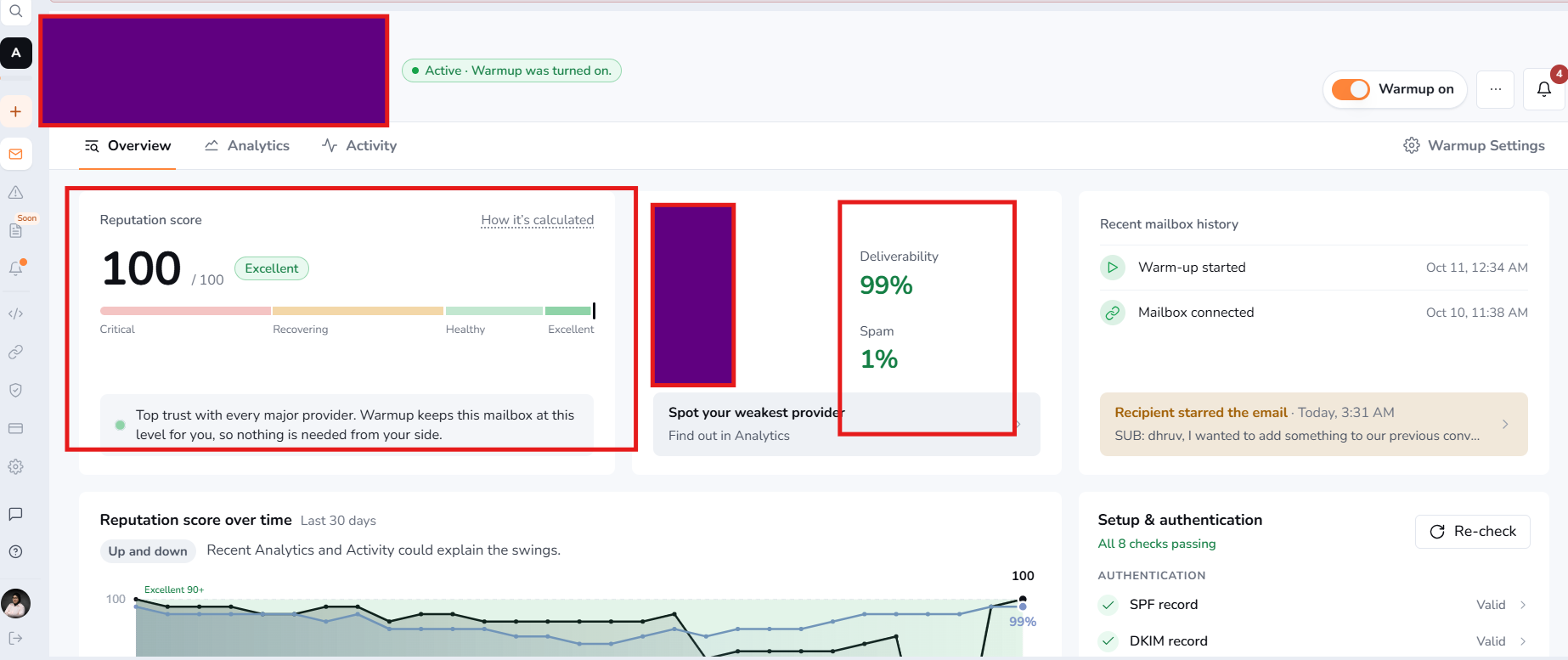
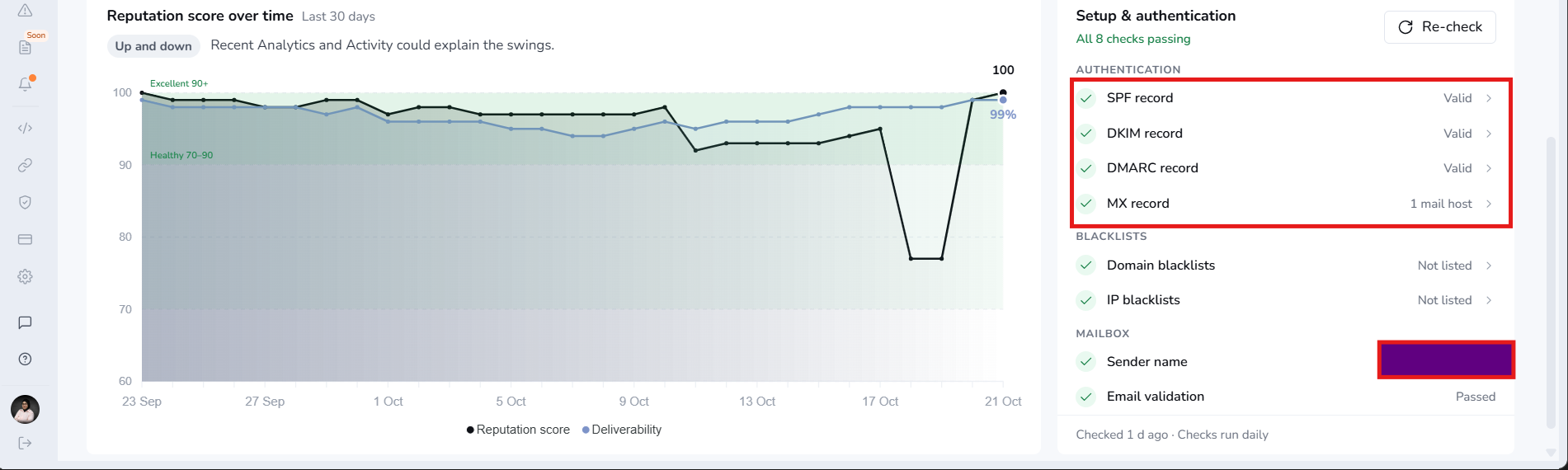
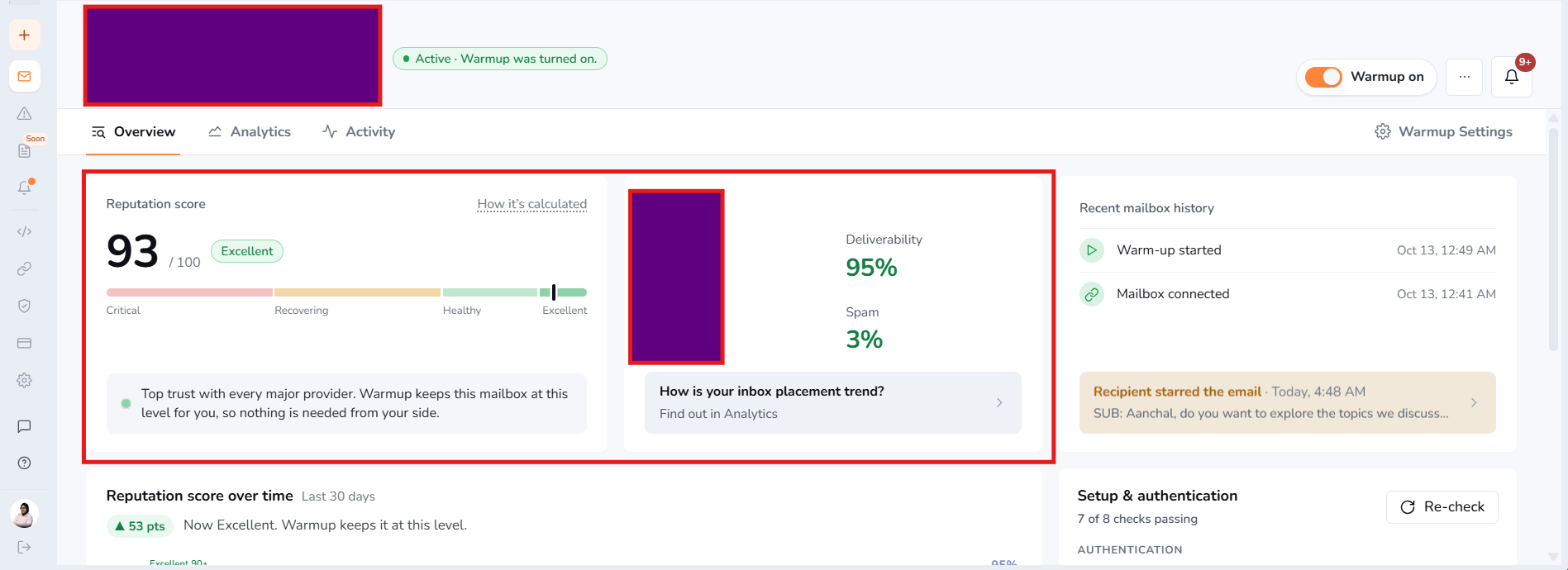
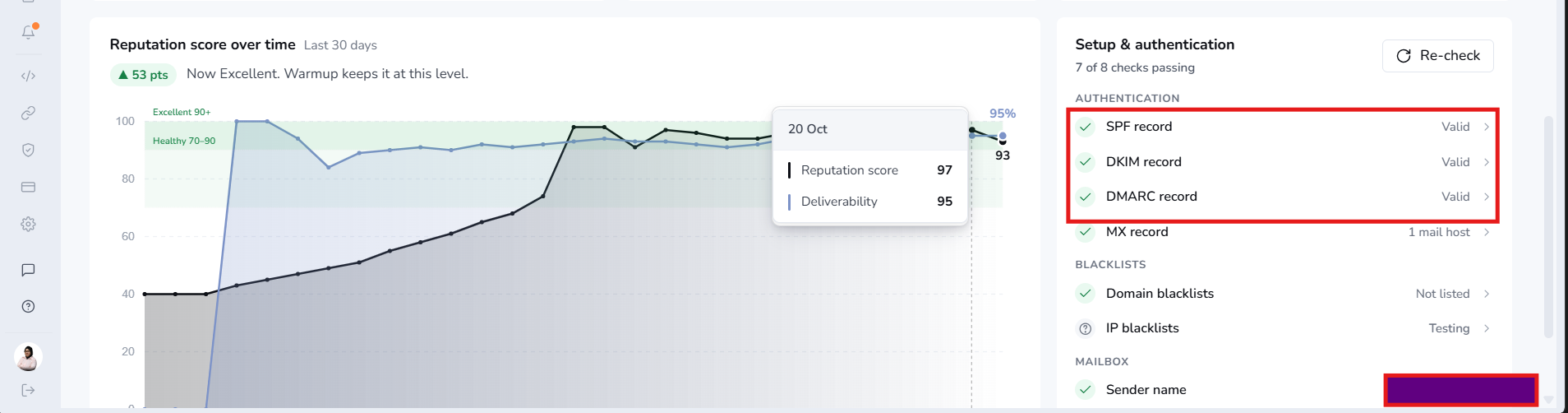
  • Check sender readiness. Review inbox warm-up, reputation, and domain authentication before outreach.
  • Run outreach and review responses. Use calls and email sequences, then keep activity visible in the CRM for the next follow-up.

See real estate lead follow-up automation · Read the real estate automation guide

Free Blueprint Training Guides

Start with practical team training guides for Yardi, Rent Manager, and AppFolio, from onboarding to ledger practice.

Browse Free Guides
Start with your workflow

Let’s clear the bottlenecks in your backend operations.

A clearer intake process, more consistent follow-up, or a website connected to your CRM. Bring your current tools and priorities, and I can talk through a practical starting point.

Book A Free Audit

Workflow screenshot